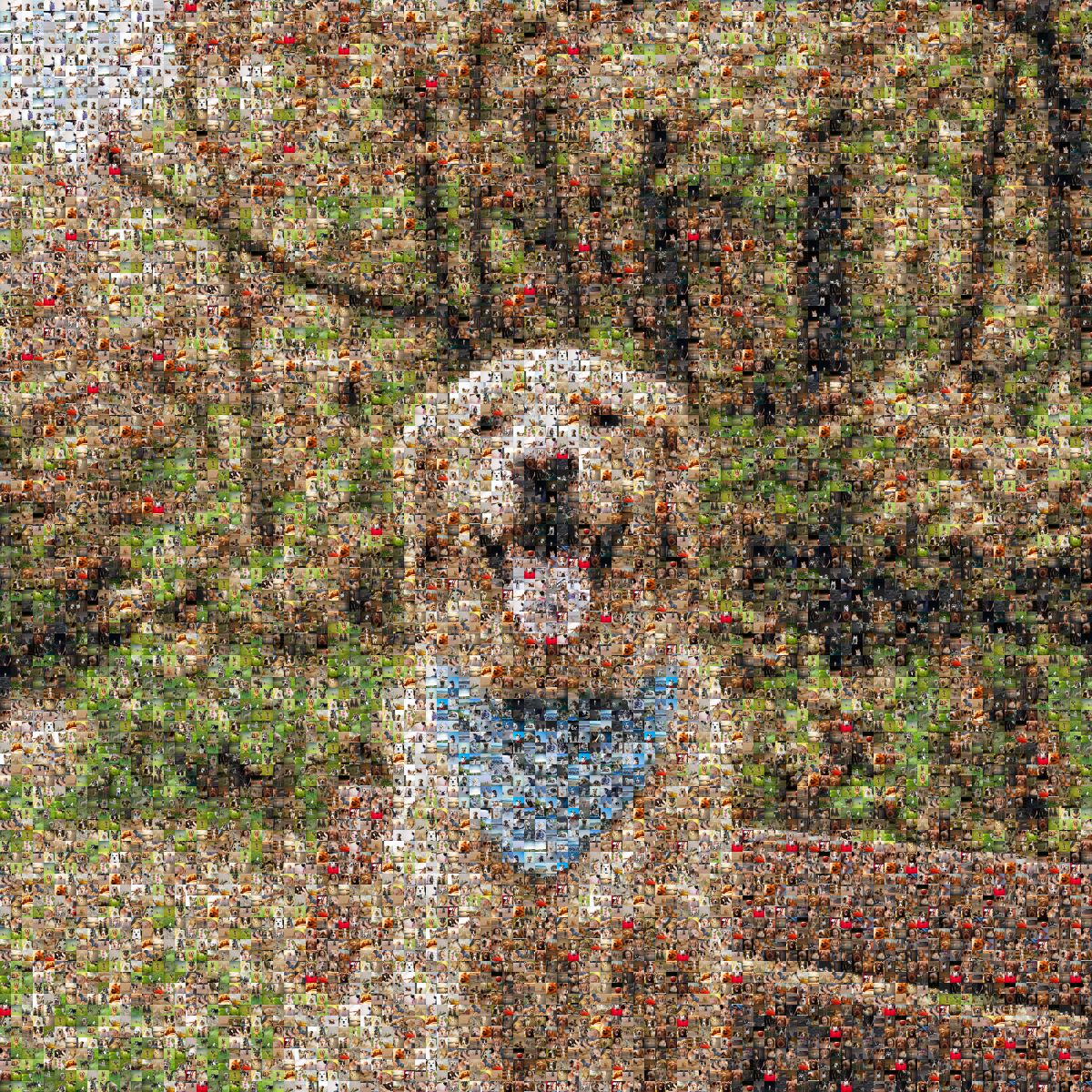
Photomosaic Maker
Free photo mosaic maker
Every square is one of your photos, and yours is ready in about 15 seconds.
No sign-up · Private until you share it
Make a photo mosaic from your own photos, free
Photomosaic Maker is a free online photo mosaic maker. You might know it as a picture mosaic generator or a mosaic creator: you create a photo mosaic online from your own pictures. Making a mosaic and sharing it costs nothing, and you don't need to sign up or install an app. Pick one photo for the big picture and 30 to 1,000 others for the tiles: it arranges them by color into a single image, and about 15 seconds after you press “Make my mosaic”, you have a mosaic you can zoom into and share.
How to make a photo mosaic online
- 1Pick a main photoThe picture the mosaic shows from afar
- 2Add 30 to 1,000 of your photosEvery one of them gets used
- 3Zoom in and shareFree, with a small watermark
Your photos stay visible
Every square is one of your photos, cropped so faces aren't cut in half and placed where its colors fit. The main photo is faded in only as much as you choose, so when you zoom in you see your own pictures, not a tinted copy of the big one.
Photo mosaic ideas by occasion
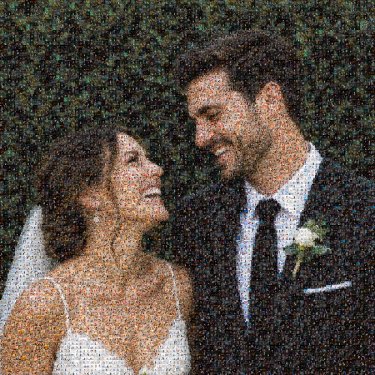 WeddingYour wedding photo, built from years of photos together. A gift for a 10th, 25th or 50th anniversary.
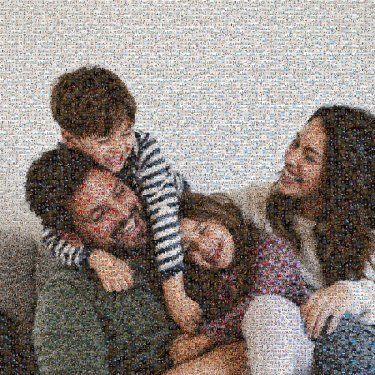 FamilyA portrait of your parents made from family photos, for a birthday, Mother's Day or Father's Day.
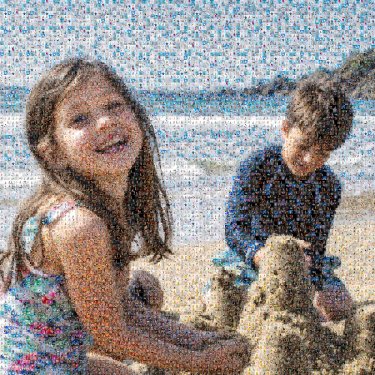 KidsTheir first years, made from the photos on your phone: for a first birthday, a nursery wall or a graduation.
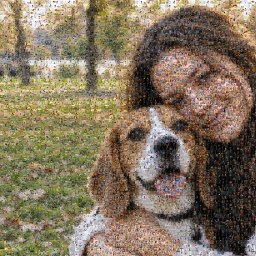 PetsYour dog or cat, made from your camera roll. With pets you probably have hundreds of photos already.
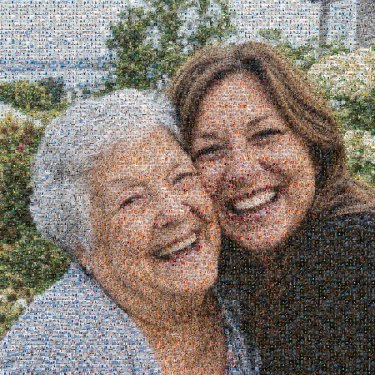 MemorialOne photo of someone you miss, made from the moments you shared. Print it for a memorial, or send the link to family.
At a glance
- Price
- Free to make and share. Optional extras: 12K file, video, prints
- Photos
- 1 main photo + 30 to 1,000 tile photos
- Time
- About 15 seconds to make
- Sign-up
- None, no email needed
- Works on
- Any phone or computer browser. Photos from your device
- Your photos
- Deleted once the mosaic is made. Never used to train AI
- Free version
- On the page, you can zoom in all the way for free. The image you save is preview size, with a small watermark.
- 12K file
- 12,000 × 9,000 pixels, no watermark (paid)
If you want more
- Make, zoom and share
- Free
- 12K file, no watermark
- $29
- 12K file + a 15-second video
- $49
- Poster, shipped free
- from $59
The extras are optional: the full-size 12K file without the watermark, videos of your mosaic coming together, and posters, framed prints and canvases made to order.
What's free
- Making and sharing mosaics, with a fair daily limit per visitor
- A preview-size image with a small watermark, and a share link that works for 90 days
- No sign-up, no email address
Questions
Is it really free?
Yes. Making and sharing a mosaic costs nothing and needs no sign-up. On the page, you can zoom in all the way for free. The image you save is preview size, with a small watermark. You only pay if you want the 12K file, a video or a print. When a friend you share it with makes their own, your 12K file is free.
Is this a photo mosaic generator?
Yes. Photo mosaic maker, picture mosaic generator, mosaic creator: different names for the same thing. You create a photo mosaic online from your own pictures, free, with nothing to download.
How many photos do I need?
One main photo, plus at least 30 and up to 1,000 for the tiles. With 300 or more, each photo repeats less and the mosaic looks richer. You can also try it first with our 300 sample photos. Every photo you add is used at least once.
What happens to my photos?
They're used only to make your mosaic, and never to train AI. The photos you upload are deleted once it's ready. Only people you send the link to can see the result. See the Privacy Policy.
Does it work on a phone?
Yes, it's made for phones first. On an iPhone, pick about 100 photos at a time: the phone needs a moment to hand them over, then you can add more. On a computer you can drag in hundreds of photos at once.
How big can I print it?
The 12K file is 12,000 × 9,000 pixels, enough for a 28×40″ (70×100 cm) print. You can also order it as a poster, framed print or canvas, shipped to you.
Can someone make it for me instead?
Yes. At Photomosaic Studio, our sister shop, a person sets up your mosaic photo by photo and sends you a preview before anything is printed.
No sign-up · Private until you share it