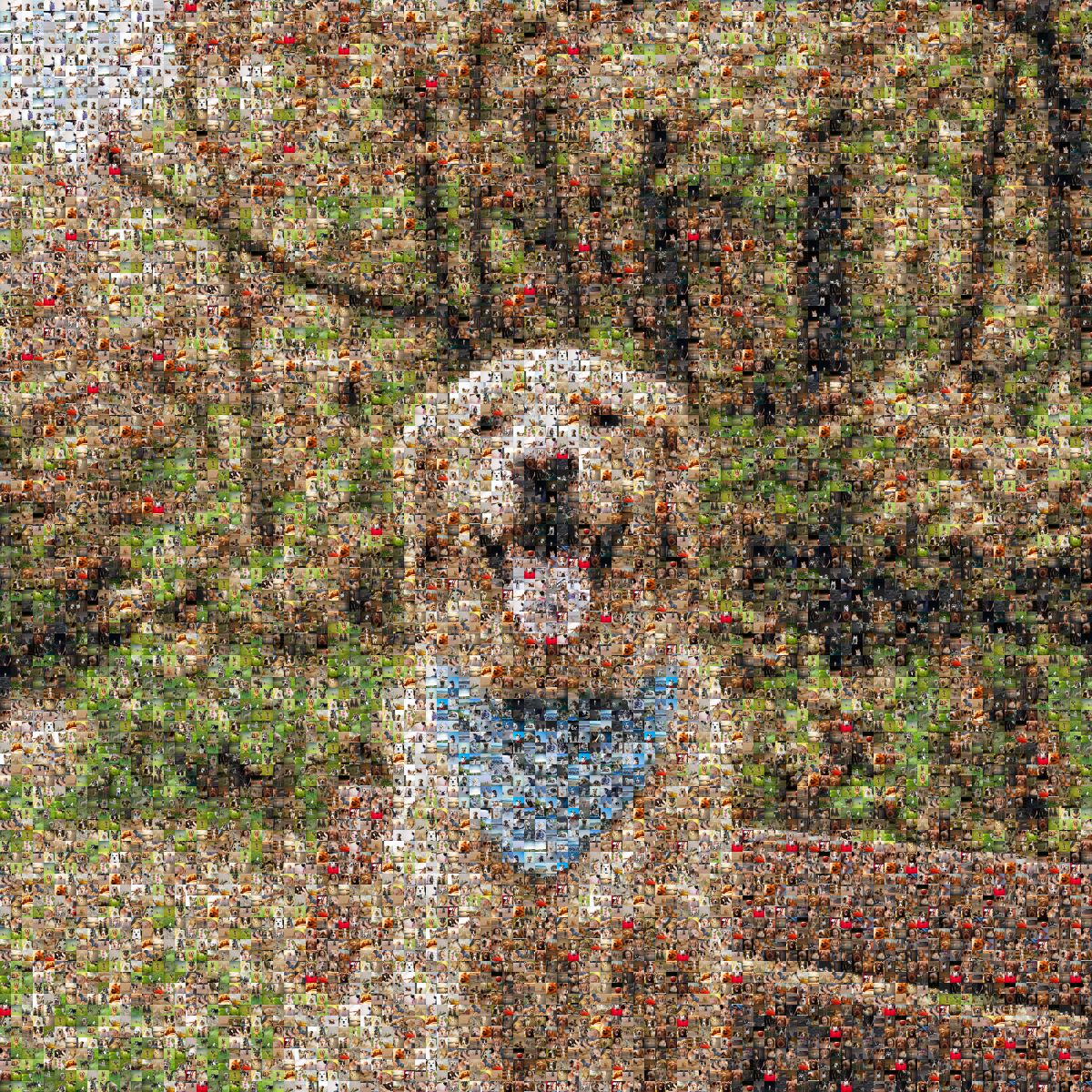
Make a photo mosaic from your own photos, free
Photomosaic Maker is a free online photo mosaic maker. Making a mosaic and sharing it costs nothing, and you don't need to sign up or install an app. Pick one photo for the big picture and 100 to 1,000 others for the tiles: it arranges them by color into a single image, and in about a minute you have a mosaic you can zoom into and share.
- Price
- Free to make and share. Optional extras: HD file, video, prints
- Photos
- 1 main photo + 100 to 1,000 tile photos
- Time
- About 15 seconds to make
- Sign-up
- None, no email needed
- Works on
- Any phone or computer browser. Photos from your device or Google Photos
- Your photos
- Deleted once the mosaic is made. Never used to train AI
- Free version
- Preview size with a small watermark
- HD file
- 12,000 × 9,000 pixels, no watermark (paid)
How to make a photo mosaic
- Choose your main photo. A face, a couple, a pet or a place. Clear photos with simple backgrounds come out best.
- Add your tile photos. At least 100, up to 1,000, from your phone or straight from a Google Photos album. More photos, and more variety, means fewer repeats.
- Make it, then fine-tune. It takes about 15 seconds. Slide "Blend in the main photo" to choose how much of the big picture shows over the tiles, from 0 (tiles only) to 100.
- Share it or keep it. Send the private link, save the image or post it to Stories. For something bigger, get the 12,000 × 9,000 HD file, a 15-second video, or a print.
What's free
- Making and sharing mosaics, with a fair daily limit per visitor
- A preview-size image with a small watermark, and a share link that works for 90 days
- No sign-up, no email address
The extras are optional: the full-size HD file without the watermark, videos of your mosaic coming together, and posters, framed prints and canvases made to order.
Your photos stay visible
Every square is one of your photos, cropped so faces aren't cut in half and placed where its colors fit. The main photo is faded in only as much as you choose, so when you zoom in you see your own pictures, not a tinted copy of the big one.
Ideas
Wedding and anniversary
Your wedding photo, built from years of photos together. A gift for a 10th, 25th or 50th anniversary.
Mom & Dad
A portrait of your parents made from family photos, for a birthday, Mother's Day or Father's Day.
A pet
Your dog or cat, made from your camera roll. With pets you probably have hundreds of photos already.
In memory
One photo of someone you miss, made from the moments you shared. Print it for a memorial, or send the link to family.
Questions
Is it really free?
Yes. Making and sharing a mosaic costs nothing and needs no sign-up. The free version is preview size with a small watermark. You only pay if you want the HD file, a video or a print.
How many photos do I need?
One main photo, plus at least 100 and up to 1,000 for the tiles. With 300 or more, each photo repeats less and the mosaic looks richer. You can also try it first with our 300 sample photos.
What happens to my photos?
They're used only to make your mosaic, and never to train AI. The photos you upload are deleted once it's ready. Only people you send the link to can see the result. See the Privacy Policy.
Does it work on a phone?
Yes, it's made for phones first. On an iPhone, pick about 100 photos at a time: the phone needs a moment to hand them over, then you can add more.
How big can I print it?
The HD file is 12,000 × 9,000 pixels, enough for a 28×40″ (70×100 cm) print. You can also order it as a poster, framed print or canvas, shipped to you.
Can someone make it for me instead?
Yes. At Photomosaic Studio, our sister shop, a person sets up your mosaic photo by photo and sends you a preview before anything is printed.